Payments
Complete an eCommerce payment using Taler
Once you have completed the Taler initial setup, customers can pay on your website.
To do so, they will open the shop and add any items to their cart.
During the checkout, they can now select the
Talerpayment provider.
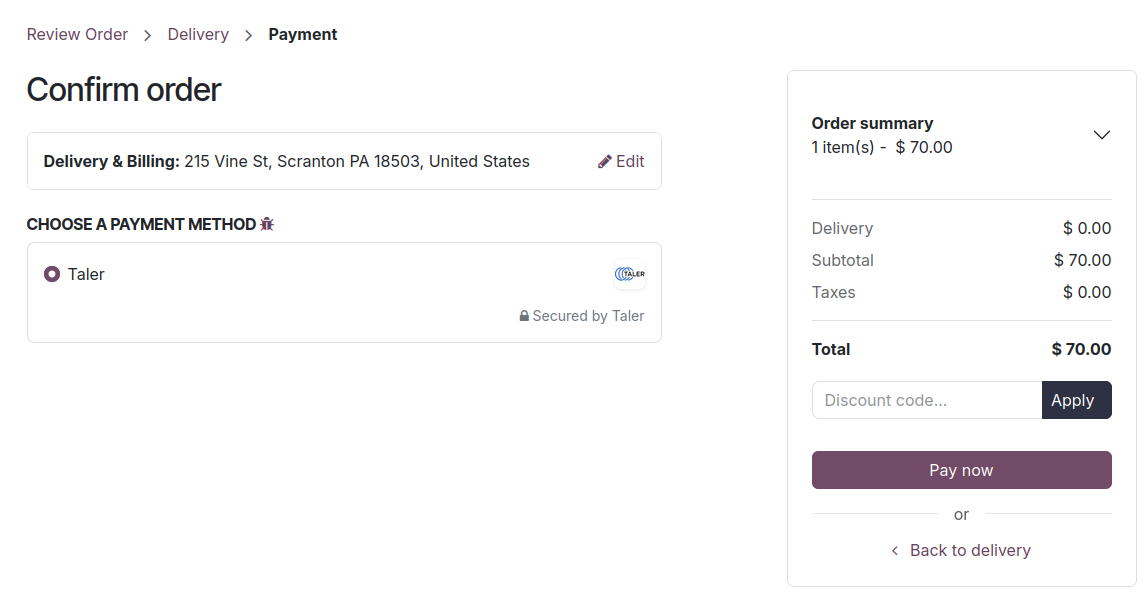
After clicking
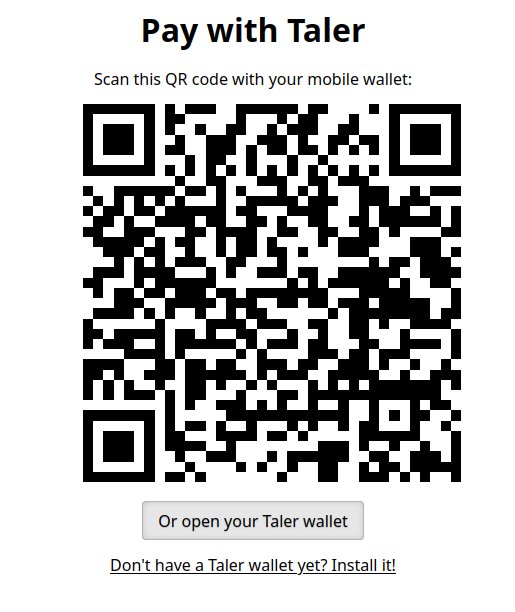
Pay now, a new Taler order will be created on the merchant side, and the customer will be redirected to the Taler order, from which they can pay with any Taler wallet on their phone or web browser.
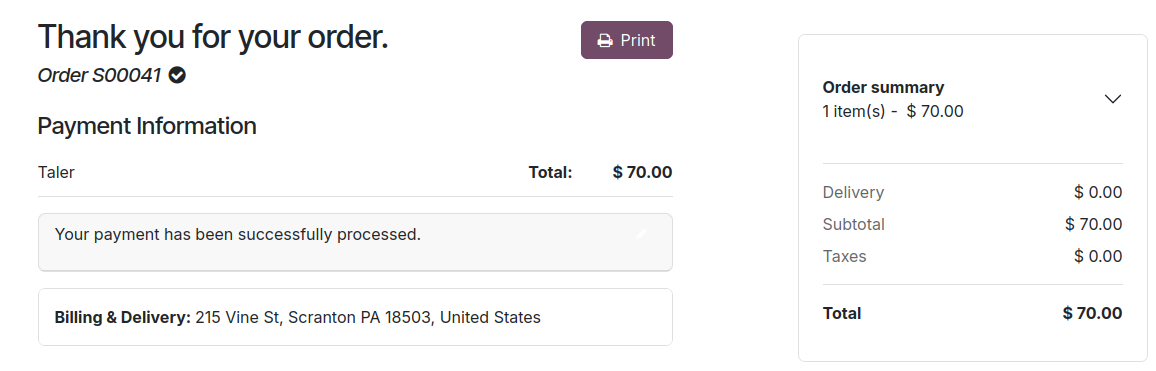
Upon completion of the payment using their wallet, the customer will be redirected back to your Odoo website, which will show a successful payment confirmation.
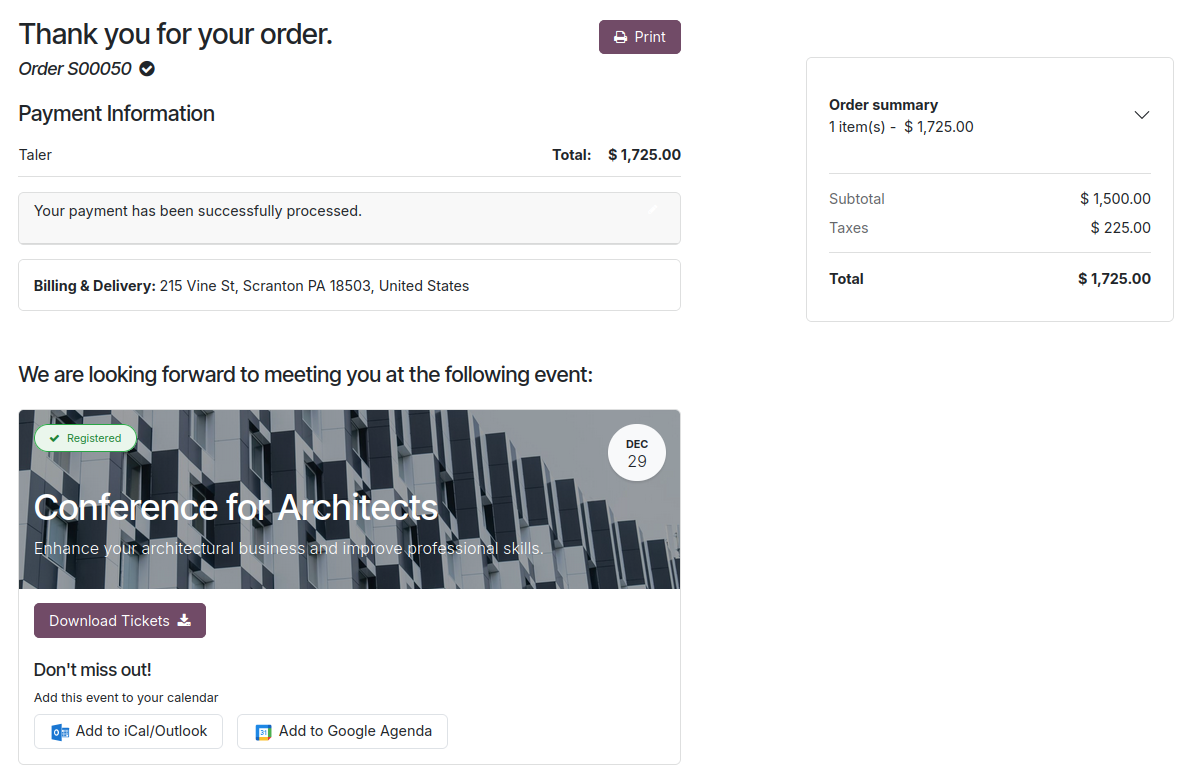
Purchase an Event ticket online using Taler
Note
To have a fully working ticketing system, you might need to install the python module pycairo:
sudo apt install libcairo2-dev
pip install rlPyCairo
To make event tickets available for customers to pay using Taler:
Add the
Eventsadd-on on your Odoo instance.Go to the settings app, and navigate to the
Eventssettings.Tick the
Online Ticketingsetting and save the changes.
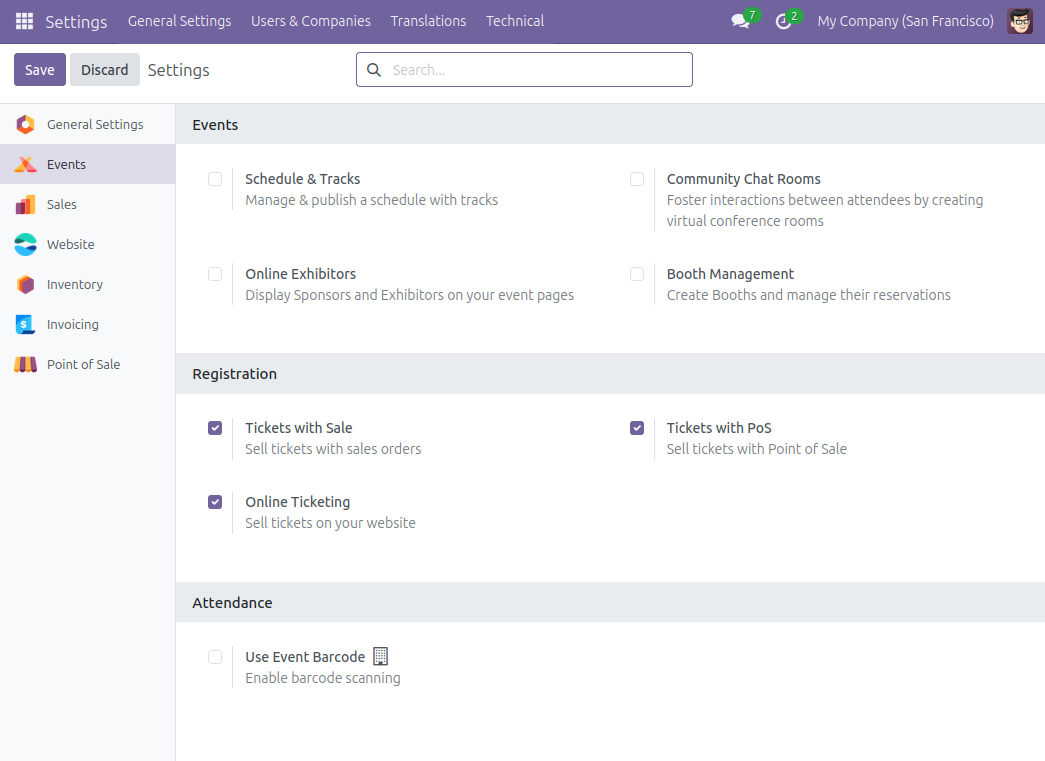
Tickets will now be available to buy using online payments providers, including the Taler payment provider.
Customers can navigate the
Eventstab on your website, and choose a ticket to any event they’re interested in.

Upon clicking an event, they will be asked to provide some identifying information, and then will be lead to a payment page.
On this payment page, the customer can select Taler as a payment provider.
They will be redirected to a Taler order page, where they can pay using their Taler wallet on the app or web browser.
Once the payment is completed, the customer will land back on the odoo page, with their payment successfully processed, and a .pdf of the event tickets available.